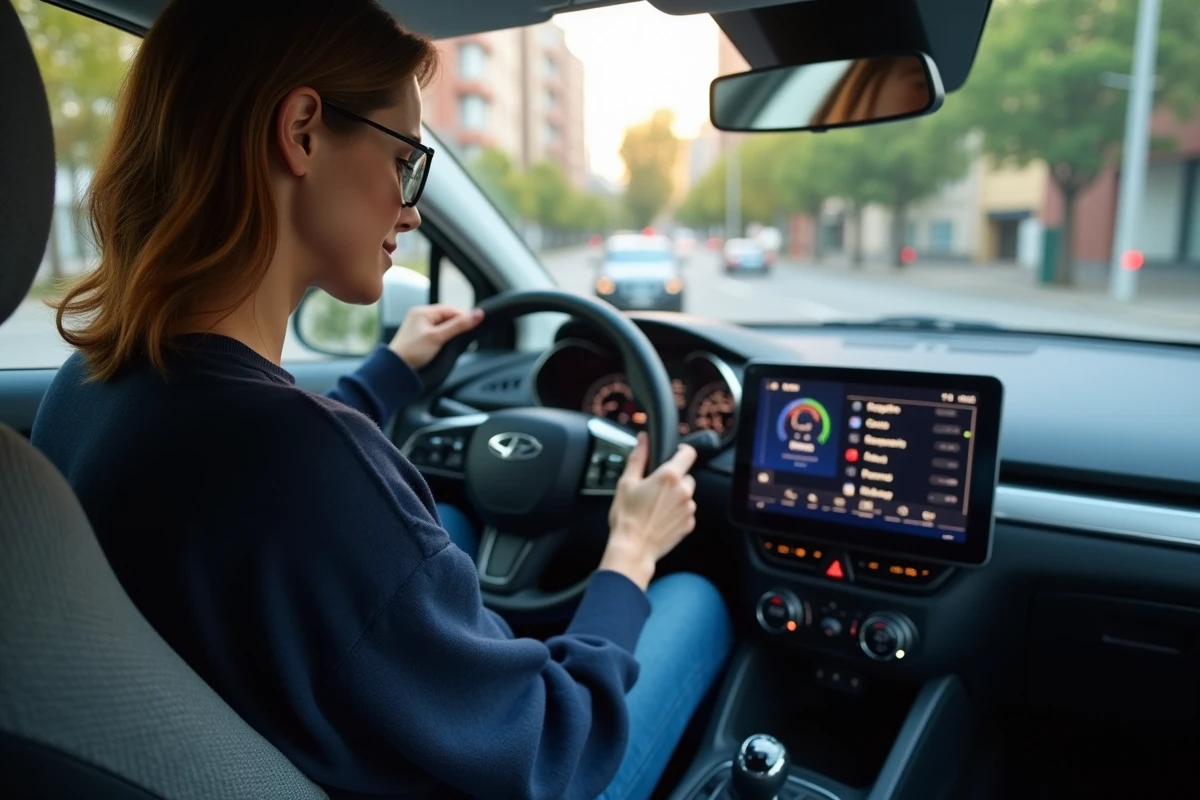
A Bluetooth pairing frequently fails on Citroën C3 and DS3 models when the car radio memory is full or when an old device remains registered. Some models even require manual deletion of each device before any new connection.
The procedure varies depending on the year of manufacture and the version of the multimedia system, but the steps are often unknown or poorly explained in the official manuals. Accessing essential functions, such as adding or removing a phone, sometimes requires unexpected maneuvers.
Why Bluetooth has become essential in Citroën C3 and DS3
The wireless connection is now a standard feature in every Citroën C3 and DS3 cabin. From the first models equipped with the compatible multimedia system, the integration of Bluetooth transforms the user experience. Gone are the tangled cables and hesitant connections: the car syncs with our connected lives, simplifying access to music, contacts, and calls. The Bluetooth, designed by Ericsson and now universal, operates on the 2.4 GHz frequency to establish a direct link between your car radio and your smartphone. The Citroën C3 relies on this technology to provide immediate access to your playlists or address book. With the Bluetooth hands-free kit, making or receiving a call becomes a simple reflex, without taking your eyes off the road. Connectivity goes further: the Citroën C3 also includes Android Auto compatibility to meet current standards. Accessing messages, applications, and navigation is done at your fingertips, while maintaining control of the vehicle. For those looking to activate Bluetooth on Citroën C3 car radio, the process is part of a quest for comfort and safety. This feature, widely available on recent models, makes the car a natural extension of the smartphone. Connectivity and freedom intertwine without constraints.
How to pair, use, and delete a phone step by step
To fully benefit from the multimedia system of the Citroën C3, a few simple steps are needed. Start by activating Bluetooth on your smartphone in the settings. Ensure that the phone is visible. On the car radio, go to the Bluetooth menu, accessible via a specific button or directly from the central screen. Set the system to pairing mode: the vehicle’s name will then appear, indicating that it is waiting for a connection.
On the phone side, select the Citroën C3 from the list of detected devices. A code will appear on both screens: accept it to finalize the pairing. The pairing opens access to music, hands-free calls, and, depending on the system generation, Android Auto. For this last function, an initial connection with a USB cable and the appropriate app may be necessary.
Here are the main steps to follow to pair your phone easily:
- Activate Bluetooth on your smartphone
- Set the car radio to pairing mode
- Select the Citroën C3 on the phone screen
- Confirm the displayed code
- Test the connection with a call or a piece of music
To remove a device, return to the Bluetooth settings of the car radio. Select the phone to delete and confirm. This cleanup frees up space for future pairings or resolves recurring connection issues. If the link does not establish, do not hesitate to reset the Bluetooth settings on both sides. Also, ensure that the distance remains reasonable, without interference. The robustness of the system depends on a rigorous method, making the experience smoother.
Common connection issues: practical solutions to stay connected
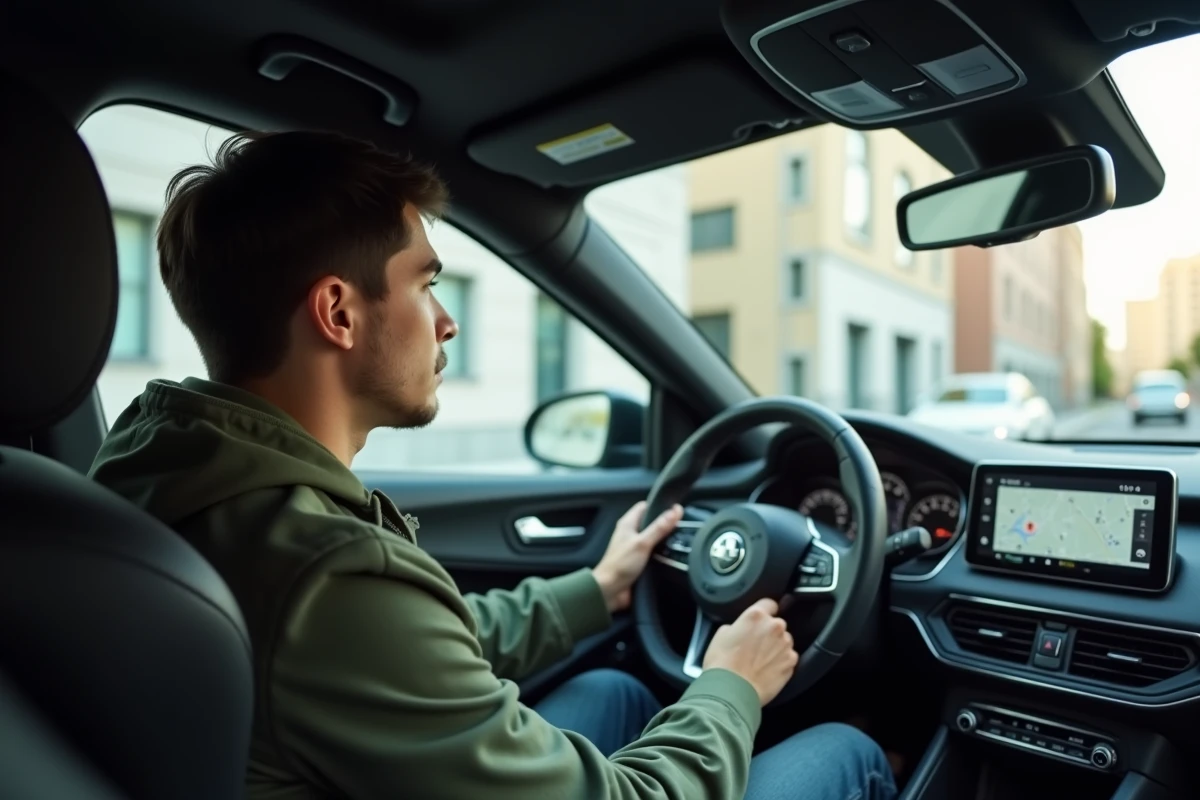
On the Citroën C3, it is not uncommon to encounter an unstable Bluetooth connection. Physical obstacles, thick bodywork, or electronic disturbances can disrupt communication between the smartphone and the multimedia system. Before any further manipulation, check that the phone’s Bluetooth is activated, detectable, and that both devices are close to each other. Surrounding electronic devices can also interfere with the signal.
To address these difficulties, several simple actions are recommended:
- Restart the smartphone and the car radio: sometimes a restart is enough to eliminate a blockage.
- Delete the existing connection on each device before attempting a new pairing.
- Install the software updates for both the embedded system and the mobile, as bugs or incompatibilities often cause failures.
Some models require a complete reset of the Bluetooth settings in case of persistent conflicts. After several unsuccessful attempts, briefly removing the vehicle’s battery or cutting the power can sometimes force a hardware restart and resolve blocked situations.
For a Bluetooth car radio added after purchasing the vehicle, using an ISO harness and appropriate adapters ensures compatibility between the device and the car. A well-connected antenna limits signal loss. If the problem persists, the Citroën customer service remains the best contact for any questions about compatibility or maintenance. Staying connected also means knowing how to surround yourself with the right technical support.
On the road, connectivity is never guaranteed for good. But with a little method, your Citroën C3 can stay true to your connected daily life, without hiccups or unnecessary headaches.